Contents (15 sections)
Creating an efficient home office isn't just about comfortable furniture or a slick computer setup; it's also about how effectively you utilize lighting. The right home office lighting can significantly bolster productivity and enhance your mood. In this guide, we delve into 10 essential tips to help you choose the right lighting for your workspace.
1. Understand the Importance of Natural Light
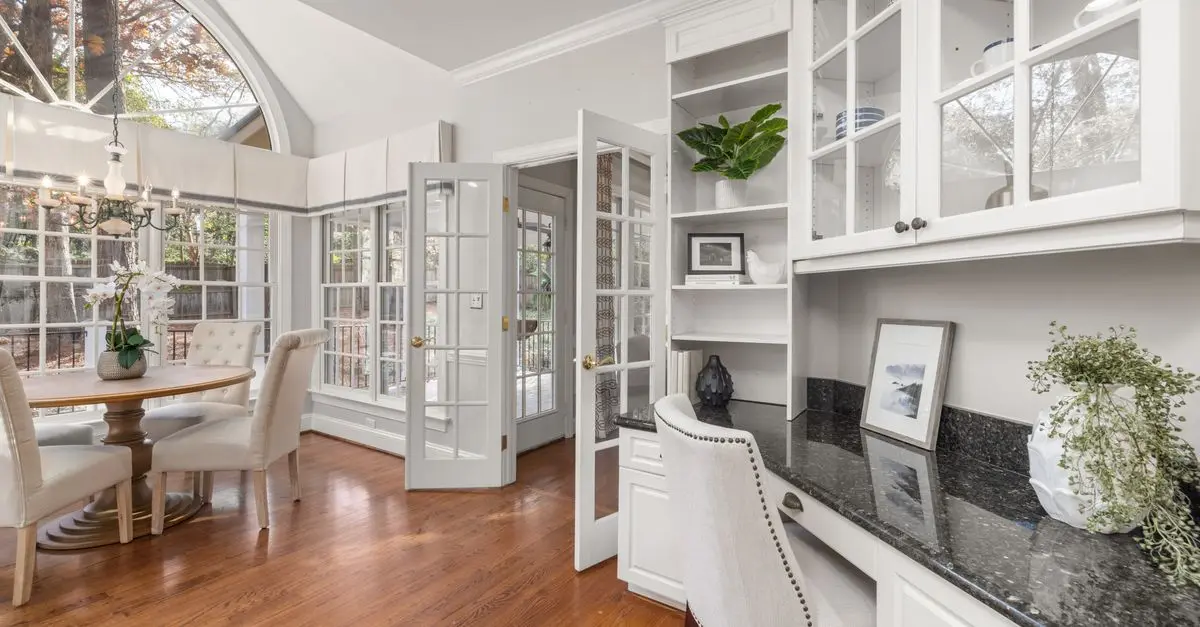
Natural light plays a key role in maintaining your energy levels and mood. Studies have shown that exposure to natural light can reduce eye strain and improve overall comfort while working. Position your desk near a window to benefit from daylight. If you're limited by your home’s design, consider using mirrors to reflect light around the room, which can help brighten darker areas.
Beyond aesthetics, ample natural light is scientifically linked to increased productivity. According to a study by UFC-Que Choisir, employees exposed to natural light report higher job satisfaction and fewer tiredness symptoms.
2. Layer Your Lighting
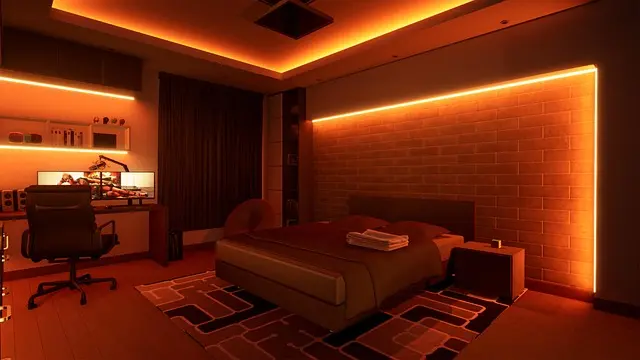
Rather than relying on a single light source, combine multiple types of lighting: ambient (general), task (specific areas), and accent (decorative). Ambient lighting provides general illumination for the entire room, ensuring no areas are too dim. Task lighting, such as a desk lamp, focuses on where you need light the most, enhancing concentration. Accent lighting can highlight artwork or personal items, adding a touch of character to your space.
A well-lit environment can help you stay alert and focused for longer periods. Experiment with different light sources to find a balance that suits your preferences, adjusting brightness levels as needed.


Ruma Grey Self Lined Linen Drum Lamp Shade for Table Lamps & Floor Lamps Grey
debenhams.com

Samsung Galaxy Book6 (16", Core Ultra 7, 16GB), a Copilot+ PC
Back to the Office
3. Choose the Right Bulbs
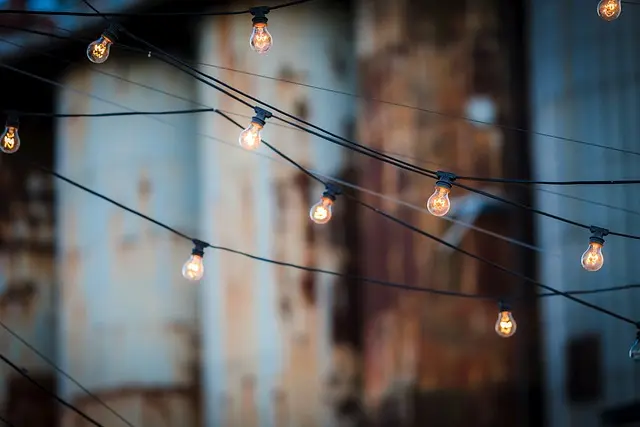
Different types of bulbs provide varying light temperatures and outputs. LED bulbs are energy-efficient and can offer daylight-style illumination, which is excellent for concentration. In contrast, warmer bulbs can create a more relaxed atmosphere suited for casual work and brainstorming.
According to a report by Les Numériques, altering your light temperature based on your daily tasks can help reduce fatigue and improve your overall work quality. For example, using cooler white light during morning hours when you need to be alert, and switching to warmer tones in the late afternoon can help signal your body that it's time to wind down.
4. Control Brightness with Dimmers
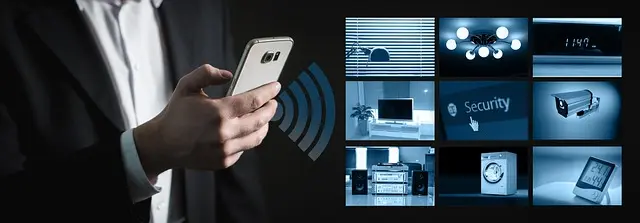
Bright lighting can sometimes lead to eye strain, so having the ability to adjust the brightness is crucial. Dimmable lights provide flexibility, allowing you to modify light levels according to the time of day or your specific needs, creating a more comfortable environment. Use smart light systems to automate brightness changes throughout the day or with your personal schedule. Studies show that adaptive lighting can lead to increased concentrations by 20%.
5. Select Functional Task Lighting
Your task lighting should address your specific work needs. If you frequently need to write or read, opt for direct light that doesn't cast shadows, such as gooseneck lamps or adjustable clamps. Proper task lighting reduces the risk of headaches and can improve the quality of your work.
Consider adjustable light fixtures that can easily be moved around your workspace. Moreover, consider light fixtures with built-in USB ports for convenience as you charge devices or power accessories.
6. Consider Colour Temperature
The colour temperature of your lights can strongly influence your productivity and mood. Warm white tones (2700K-3000K) can create a cosy environment, while cooler shades (4000K-5000K) emulate daylight and boost alertness. For tasks requiring high concentration, a cooler colour temperature is preferable.
According to research from 60 Millions de Consommateurs, a suitable colour temperature can enhance focus and reduce feelings of fatigue, especially during longer working hours.

Samsung Galaxy Book6 (16", Core Ultra 5, 16GB), a Copilot+ PC
Back to the Office

Ruma Grey Self Lined Linen Drum Lamp Shade for Table Lamps & Floor Lamps - Grey - Size: One Size
wallis.co.uk

Samsung Galaxy S25 SM-S931B/DS 15.8 cm (6.2") Dual SIM Android 15 5G USB Type-C 12 GB 512 GB 4000 mAh Black, Blue
Back to the Office
7. Use Adjustable Fixtures
Lighting should be both functional and aesthetic. Adjustable fixtures can be tailored to light specific areas as needed, especially in multifunctional spaces. Wall-mounted fixtures, such as swing-arm lamps, offer versatility without occupying desk space. Furthermore, these fixtures can enhance your office's appearance by adding stylish design elements to your workspace.
8. Avoid Glare and Reflections
Glare and reflections from screens or glass surfaces can hinder productivity and cause discomfort. Position your lighting at angles that minimize reflection while still providing adequate illumination. Use matte finishes on desks and wall colours to reduce light bounce and soften hard light. For those using multiple screens or reflective surfaces, consider anti-glare filters to improve visibility.
9. Factor in Aesthetics
Your home office should reflect your personality. While functionality is essential, aesthetics play a vital role. Choosing lamps and fixtures that match your décor will make your office feel more inviting. A well-decorated workspace not only enhances productivity but also fosters creativity. Consider design elements that allow for personal touches, strengthening your attachment to the space.
10. Regular Maintenance and Upgrades
Regularly assess your lighting setup. Simple maintenance checks, such as replacing burnt-out bulbs and cleaning dusty fixtures, can significantly improve light quality. Moreover, keeping abreast of advancements in lighting technology allows you to take advantage of newer, more efficient fixtures to optimise your workspace over time.
Conclusion
By following these tips, you can create a well-lit home office that enhances your productivity, mood, and creativity, making your work-from-home experience much more enjoyable. Remember, optimal lighting is not merely about brightness; it’s about creating a harmonious balance that suits your individual needs.
📺 For Further Exploration:
To learn more about home office lighting options and their impacts on productivity, visit YouTube and search for: 'home office lighting tips 2026'.
Checklist Before Purchase
- [ ] Assess natural light availability.
- [ ] Identify the need for task lighting.
- [ ] Evaluate preferred colour temperatures.
- [ ] Consider brightness control with dimmers.
- [ ] Ensure fixtures suit your aesthetic needs.
Glossary
| Term | Definition |
|---|---|
| Ambient Lighting | General illumination that fills a room. |
| Task Lighting | Focused light aiding specific activities or tasks. |
| Colour Temperature | Measured in Kelvin, it describes the appearance of light (warm or cool). |
---
📺 Pour aller plus loin : home office lighting tips 2026 sur YouTube
Recommended products
Selected by our experts


TP-Link Archer GE400 BE6500 wireless router 2.5 Gigabit Ethernet Dual-band (2.4 GHz / 5 GHz)
Back to the Office


TP-Link Archer GXE75 wireless router 2.5 Gigabit Ethernet Tri-band (2.4 GHz / 5 GHz / 6 GHz)
Back to the Office