Contents (14 sections)
Creating the ideal creative space involves more than just your chosen tools and materials. One of the most critical aspects is the lighting. The right lighting can greatly influence your mood, productivity, and even your overall creative output. In this guide, we’ll explore effective tips and tricks for selecting the right lighting for creative spaces.
1. Understand the Basics of Lighting
Lighting can make or break a creative space. It influences how we perceive colours, shapes, and textures. Task lighting, ambient lighting, and accent lighting each serve a unique purpose:
- Task Lighting: Direct lighting for specific tasks, such as reading or painting.
- Ambient Lighting: The general illumination of a room, which sets the mood and tone.
- Accent Lighting: Used to highlight artwork or architectural features.
Understanding these basics is essential to create an engaging atmosphere conducive to creativity.
2. Prioritise Natural Light
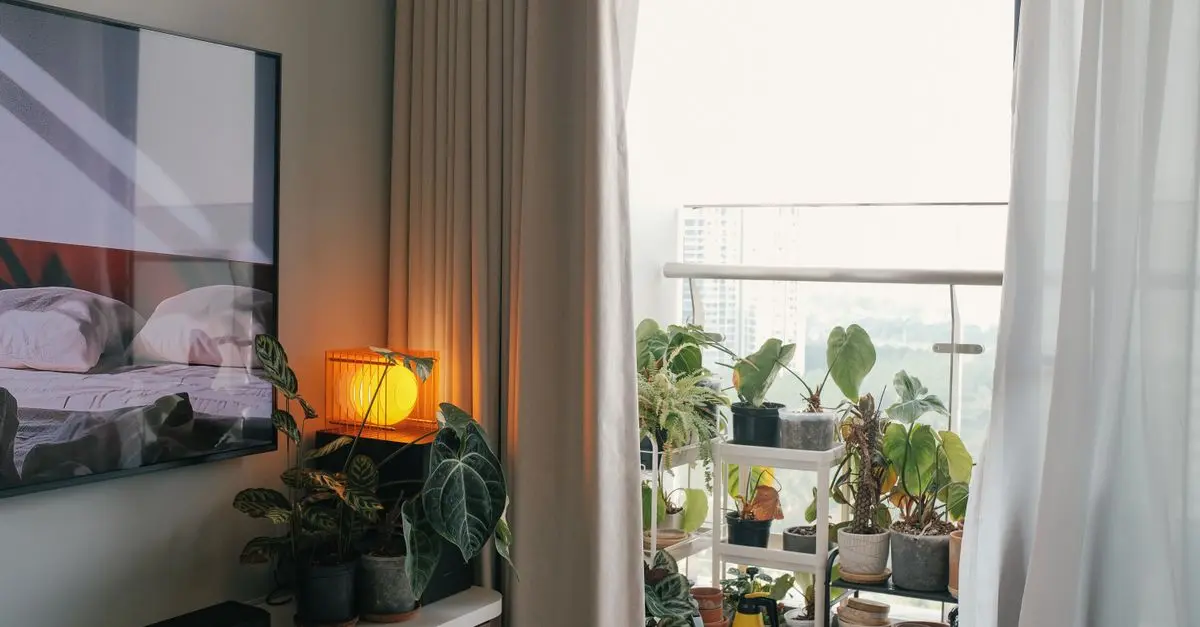
Whenever possible, embrace natural light. Studies show that exposure to natural light positively impacts mood and productivity. Position your workspace near windows or in rooms where light can filter in. If natural light is limited, consider mirrors to reflect light and brighten up darker corners.

Viewsonic VP2788-5K computer monitor 68.6 cm (27") 5120 x 2880 pixels 5K Ultra HD LED Black
Back to the Office

Viewsonic LSC601-4K data projector Standard throw projector 6000 ANSI lumens 3LCD UHD 4K (3840x2160) White
Back to the Office

Viewsonic LSC701-4K data projector Standard throw projector 7000 ANSI lumens 3LCD UHD 4K (3840x2160) White
Back to the Office
3. Choose the Right Colour Temperature
The colour temperature of your lighting plays a significant role in how your space feels. Warm white lights (2700K-3000K) create a cozy, inviting atmosphere, whereas cooler white lights (4000K-5000K) promote alertness and focus. For creative tasks, a mix can be beneficial—warm for comfort during brainstorming and cooler for detailed work.
4. Experiment with Dimmable Lights
Dimmable lighting allows for flexibility and adaptability in your creative environment. Being able to adjust light intensity can help create a calming atmosphere during more relaxed creative sessions or bright, energising light when working at peak performance. This adaptability can be particularly beneficial for activities such as photography or painting, where light levels may affect quality and perception.
5. Incorporate Layered Lighting
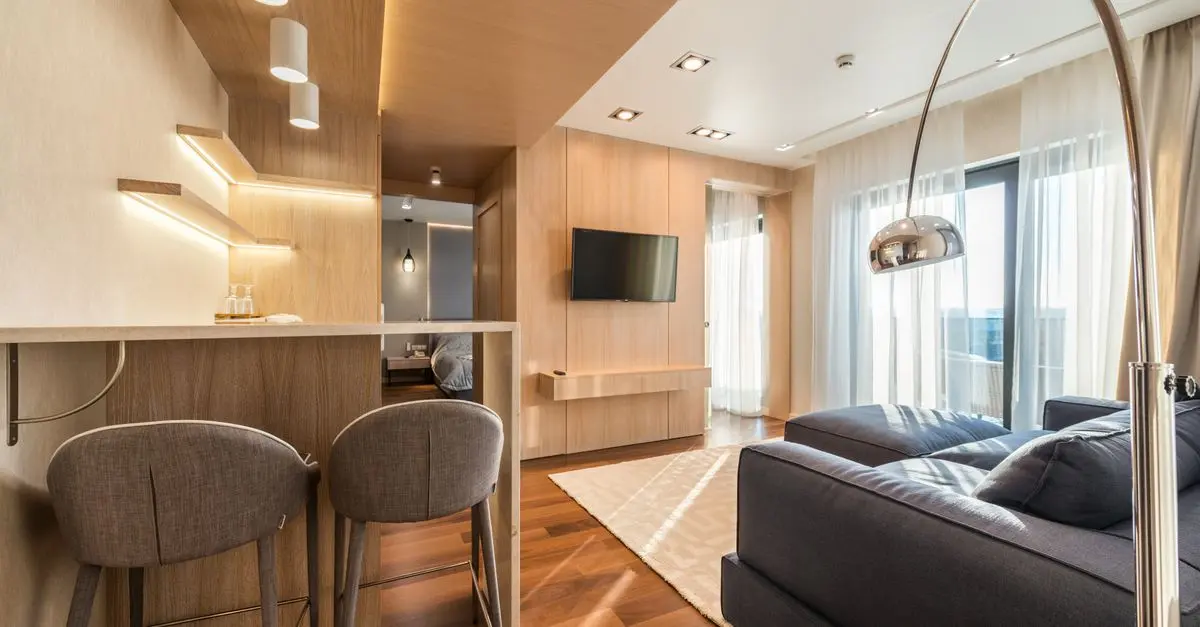
Using a combination of ambient, task, and accent lighting can enhance your creative space. Layering your lighting allows you to control the mood and functionality better. For example, you might opt for overhead lighting combined with task lamps and perhaps some LED strip lighting under shelves to create depth and interest. This approach leads to a more dynamic and visually appealing environment.
6. Use Adjustable Fixtures
Adjustable lighting fixtures, such as track lighting or swing-arm lamps, provide the versatility needed in a creative space. Being able to adjust the direction and focus of your light can be particularly helpful for activities requiring precision, such as crafting or technical drawing.

Viewsonic VP2788-5K computer monitor 68.6 cm (27") 5120 x 2880 pixels 5K Ultra HD LED Black
Back to the Office

Viewsonic LS711HD data projector Short throw projector 4000 ANSI lumens 1080p (1920x1080) White
Back to the Office

Viewsonic LSC700-4K data projector Standard throw projector 7000 ANSI lumens 3LCD UHD 4K (3840x2160) White
Back to the Office
7. Consider Smart Lighting Options
Smart lighting technology can revolutionise your creative space. These systems allow you to control brightness and colour temperature via apps or voice commands, adding convenience to your workflow. Additionally, some smart lights can mimic natural light patterns, which is beneficial for maintaining energy levels throughout the day.
8. Create a Unique Atmosphere with Colour
Adding colour to your lighting can significantly enhance creativity. Consider using coloured LED lights or smart bulbs that allow you to change colours. Different colours can evoke different emotions—blue tones for calmness, red for energy, and green for balance. Creating a colour scheme that resonates with your creative pursuits can provide an inspiring backdrop for your work.
9. Ensure Even Distribution of Light
Avoid lighting setups that create harsh shadows or glaring hotspots. Ensuring an even distribution of light across your workspace is vital for maintaining focus and reducing strain on the eyes. Test the setup by working on various tasks to ensure comfort and efficiency.
10. Personalise Your Lighting Choices
Ultimately, the best lighting is the one that fits you and your specific creative process. Take time to experiment with different styles, colours, and intensities. Your space should reflect your personality and inspire you, so don’t hesitate to personalise your lighting to suit your unique workflow.
Summary Checklist
- [ ] Evaluate your current lighting setup.
- [ ] Incorporate natural light.
- [ ] Select the appropriate colour temperature.
- [ ] Experiment with dimmable options.
- [ ] Layer your lighting.
- [ ] Use adjustable fixtures.
- [ ] Explore smart lighting technology.
- [ ] Add colour to your lighting.
- [ ] Ensure even distribution of light.
- [ ] Personalise your workspace.
Glossary
| Terme | Définition |
|---|---|
| Lumens | Mesure de la quantité de lumière visible émise par une source lumineuse. |
| Kelvin | Unité de mesure de la température couleur de la lumière. |
| CRI (Index de rendu des couleurs) | Mesure de la capacité d'une source lumineuse à refléter les couleurs de manière naturelle. |
> 📺 Pour aller plus loin : Lighting Techniques for Creative Spaces, une analyse complète de l'impact de l'éclairage. Recherchez sur YouTube : "lighting for creative spaces".
📺 Pour aller plus loin : lighting for creative spaces techniques 2026 sur YouTube
Recommended products
Selected by our experts

Viewsonic PRO9800WUL data projector Standard throw projector 5500 ANSI lumens DLP WUXGA (1920x1200) White
Back to the Office


TRYX Panorama SE ARGB 360 Processor All-in-one liquid cooler 12 cm Black
Back to the Office

ASUS ROG Zephyrus G16 GU605CR-QR112W laptop Intel Core Ultra 9 285H 40.6 cm (16") WQXGA 32 GB LPDDR5x-SDRAM 2 TB SSD NVIDIA GeForce RTX 5070 Ti
Quzo UK