Contents (15 sections)
In today's world, where remote work is becoming the norm, having the right environment is crucial for productivity and well-being. One of the most significant aspects of this environment is lighting. Choosing the best lighting for your home office can greatly influence your focus and comfort levels, making it a vital consideration in home office setup.
1. Understand Your Lighting Needs
Before making any decisions, assess your current workspace. What is lacking? Do you often find yourself squinting at your screen, or do you feel fatigued by harsh lighting? Understanding these needs allows you to select lighting that not only enhances the aesthetic appeal of your office but also supports your working habits. For instance, if your workspace consists of a lot of reading and screen use, warm white light is generally recommended as it reduces eye strain and increases comfort.
Statistics: According to a study by the American Society of Interior Designers, over 90% of respondents noted a significant improvement in their productivity when using appropriate lighting conditions. This underlines the importance of choosing the right type of light, whether it be natural daylight or artificial sources, based on personal preference and activities performed in the space.
2. Evaluate Different Types of Lighting
There are generally three types of lighting to consider in your home office: ambient, task, and accent lighting.
Ambient Lighting
This is the general illumination of your workspace, providing a uniform level of light that fills the entire room. Often, overhead lights or ceiling-mounted fixtures serve this purpose. Ensure that your ambient lighting isn’t too dim or too harsh, as both can cause fatigue.
Task Lighting
Task lighting is more focused and is primarily used for specific activities such as reading or working at your desk. Desk lamps or adjustable floor lamps work best. Aim for a direct light source positioned to avoid glare on computer screens or documents.
Accent Lighting
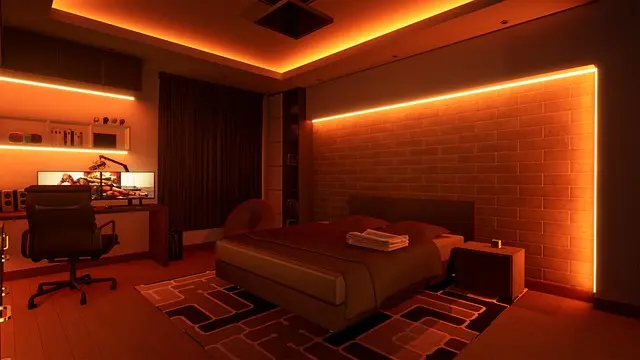
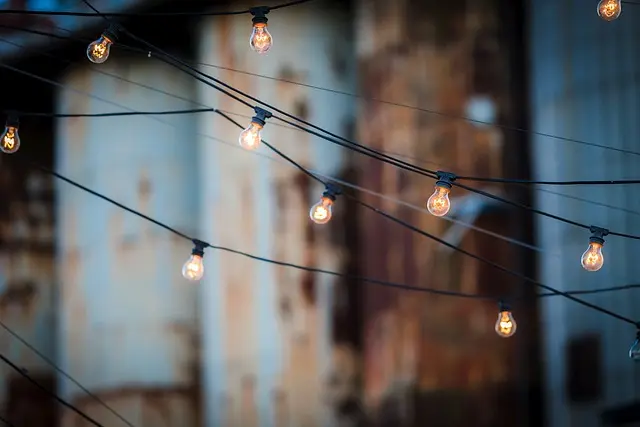
Accent lighting provides a decorative element to your home office while also offering additional illumination where needed. Think wall sconces or decorative table lamps for a touch of style mixed with function. By incorporating all three types of lighting, you can create a balanced and effective workspace.

TP-Link EAP650-DESKTOP wireless access point 2976 Mbit/s White Power over Ethernet (PoE)
Back to the Office

Viewsonic VG Series VG2757V-2K computer monitor 68.6 cm (27") 2560 x 1440 pixels Quad HD LED Black
Back to the Office

Swann SWNVK-800KH2-EU video surveillance kit Wireless 4 channels
Back to the Office
3. Consider Natural Light
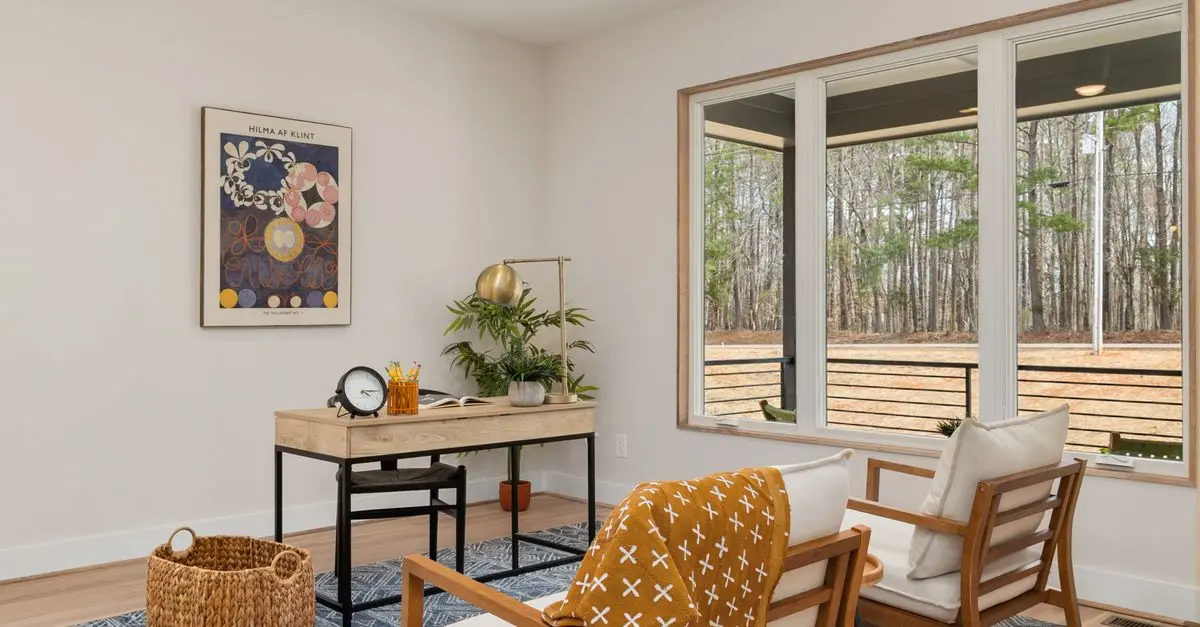
Whenever possible, leverage natural light as it significantly boosts mood and productivity levels. Position your desk near a window to maximise natural light exposure throughout the day. However, it’s essential to manage glare and heat on sunny days.
Pro Tip: Use light-filtering shades or blinds to control light levels while still enjoying the benefits of natural illumination. According to Herman Miller, workplaces that incorporate natural light have seen a 50% reduction in eyestrain among employees, enhancing overall work satisfaction.
4. Choose the Right Bulbs
The type of bulbs you choose also plays a major role in the effectiveness of your lighting. LED bulbs are generally preferred because they last longer, consume less energy, and offer a variety of colour temperatures. Choose warm white bulbs for a cosy feel or cool white light for a more energising environment usually suitable for task-focused activities.
| Bulb Type | Lifespan (hours) | Energy Consumption | Ideal Use |
|---|---|---|---|
| LED | 15,000 | 10-15W | General/ Task |
| CFL | 10,000 | 14-20W | General |
| Incandescent | 1,000 | 60-100W | Accent |
| Halogen | 2,000 | 40-100W | Task |
Checklist for Adjusting Lighting:
- [ ] Assess need for more natural light
- [ ] Identify areas requiring task lighting
- [ ] Test different bulb types for colour temperature
- [ ] Adjust lamp positions for optimal effectiveness
- [ ] Evaluate ambient lighting fixtures
6. Avoid Common Mistakes
When setting up your home office, be mindful of some common pitfalls. Avoid placing lights where glare can occur, especially on screens. Also, ensure that your workspace doesn’t focus solely on one light source. A blend is essential for creating a welcoming and productive environment.
7. Conclusion
Choosing the best lighting for your home office is an ongoing process that requires assessment and adjustment. By following these steps—evaluating your needs, understanding the types of light, considering natural sources, selecting the right bulbs, and being mindful of environment—you can create a workspace that inspires productivity and comfort.


TCL 75A300W-UK TV 190.5 cm (75") 4K Ultra HD Smart TV Wi-Fi White 450 cd/m²
Back to the Office

📺 Ressource Vidéo
For a more in-depth guide, check out Setting the Perfect Lighting for Your Home Office, a detailed analysis on effective office illumination strategies. Look for this on YouTube using "home office lighting tips 2026".
Glossaire
| Terme | Définition |
|---|---|
| Lumens | Unité mesurant le flux lumineux perçu par l'œil humain, important à considérer lors du choix des ampoules. |
| Température de couleur | Mesurée en Kelvin (K), elle définit la teinte de la lumière, influençant l’ambiance d’un espace. |
| Économie d’énergie | Capacité à réduire la consommation électrique, un factor essentiel à considérer lors du choix de l’éclairage. |
Checklist avant achat
- [ ] Évaluer l’espace pour déterminer les besoins d’éclairage
- [ ] Choisir les types d’éclairage appropriés
- [ ] Essayer des options d’ampoules variées
- [ ] Installer des dispositifs de contrôle de l'intensité
- [ ] Optimiser l'emplacement des lampes
🧠 Quiz rapide : Quelle est la température de couleur idéale pour un espace de travail ?
- A) 3000K
- B) 6000K
- C) 4000K
Réponse : C — 4000K est souvent recommandé pour une ambiance stimulante sans être trop froide.
📺 Pour aller plus loin : home office lighting tips 2026 sur YouTube
Recommended products
Selected by our experts

TCL C6K -UK 98 inch Premium QD-Mini LED 144Hz 4K HDR High Brightness Dolby Atmos Smart Google TV
Back to the Office


TCL C74 75C745K TV 190.5 cm (75") 4K Ultra HD Smart TV Wi-Fi Black
Back to the Office


Acer Chromebook CP714-1HN-5719 Intel Core Ultra 5 115U 35.6 cm (14") Touchscreen WUXGA 8 GB LPDDR5-SDRAM 512 GB SSD Wi-Fi 6 (802.11ax) ChromeOS Grey
Back to the Office