Contents (14 sections)
Selecting the right lighting for your home office is crucial for creating an environment conducive to productivity and well-being. The right lighting can help reduce eye strain, enhance focus, and create a pleasant working atmosphere. In this guide, we will explore various types of lighting, their advantages, and how to implement them effectively in your workspace.
1. Identify Your Lighting Needs
Understanding Your Workspace
Before diving into specific lighting options, it's essential to assess your workspace. Consider the layout, existing natural light sources, and your personal preferences. Rooms that receive ample natural light can benefit from layering additional lighting without overwhelming the space. According to research by the Illuminating Engineering Society, well-distributed ambient light can enhance workplace satisfaction by up to 20%.
When evaluating your lighting needs, take note of your work activities. If you often engage in tasks requiring keen visual acuity, such as reading or intricate design work, additional task lighting will be necessary. Pay attention to how different times of day affect your lighting requirements, and be prepared to adjust your setup accordingly. This consideration lays the groundwork for effective lighting later on.
2. Explore Different Types of Lighting
Ambient, Task, and Accent Lighting
When selecting lighting for your home office, it helps to understand the three primary types: ambient, task, and accent lighting.
- Ambient Lighting is the foundational lighting of your space, providing overall illumination. This type includes ceiling fixtures or overhead lights that illuminate the entire room without creating harsh shadows.
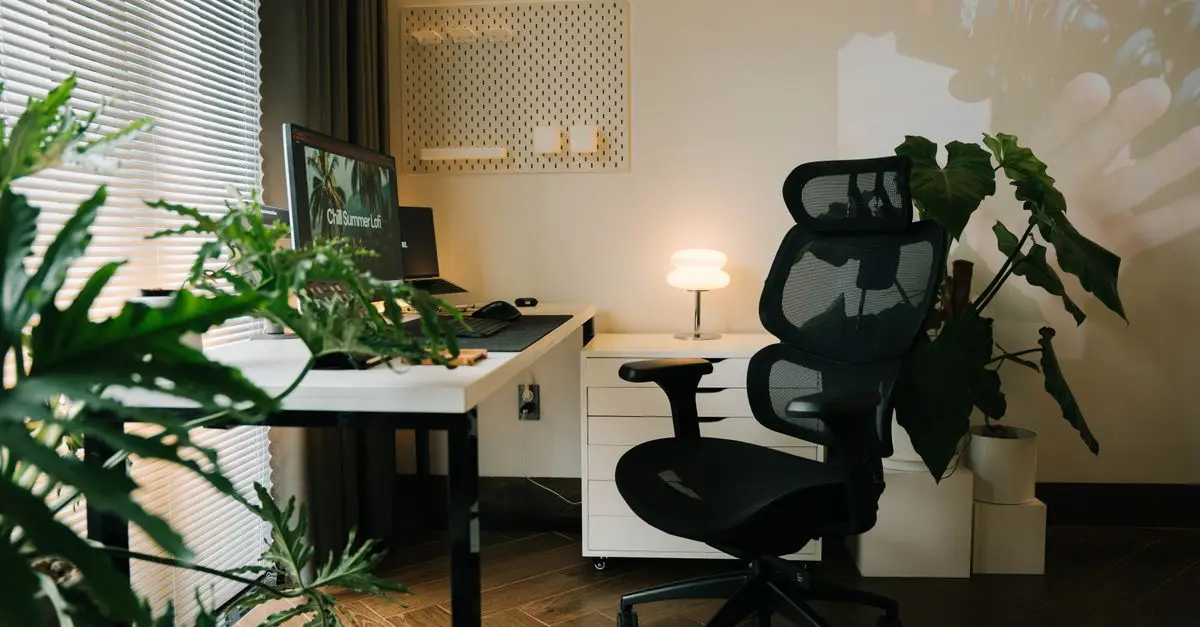
- Task Lighting is focused and designed for specific tasks that need more attention, such as reading, writing, or working on a computer. Desk lamps or adjustable wall sconces fit this category well.
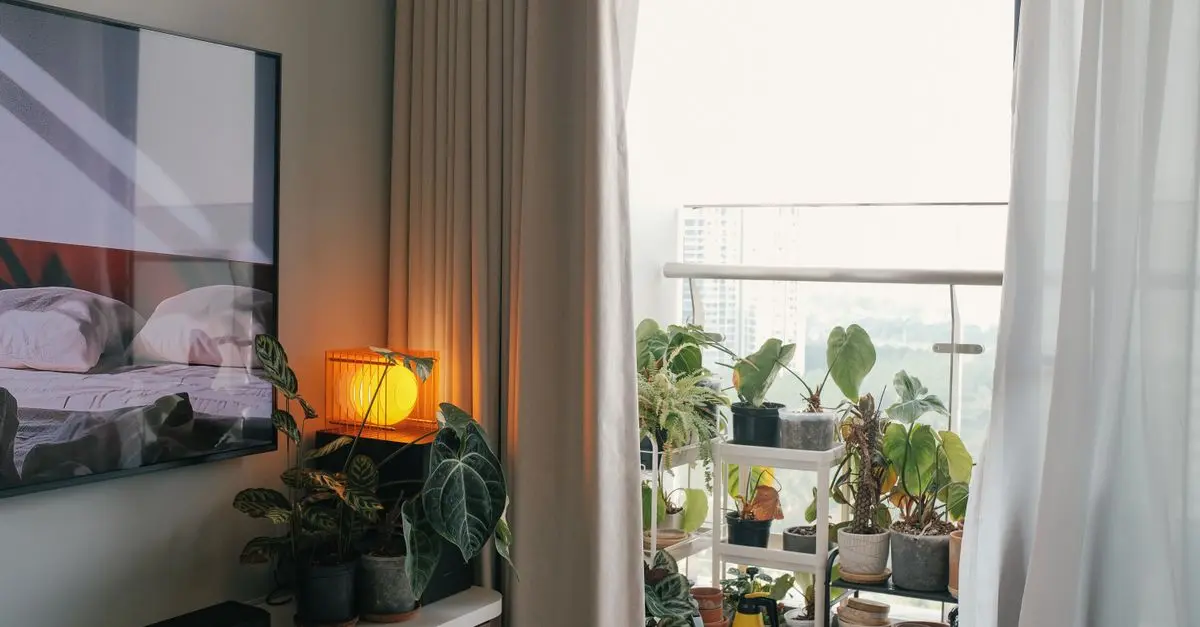
- Accent Lighting adds a decorative element and enhances specific features of your office. This might include highlighting artwork, plants, or architectural details.
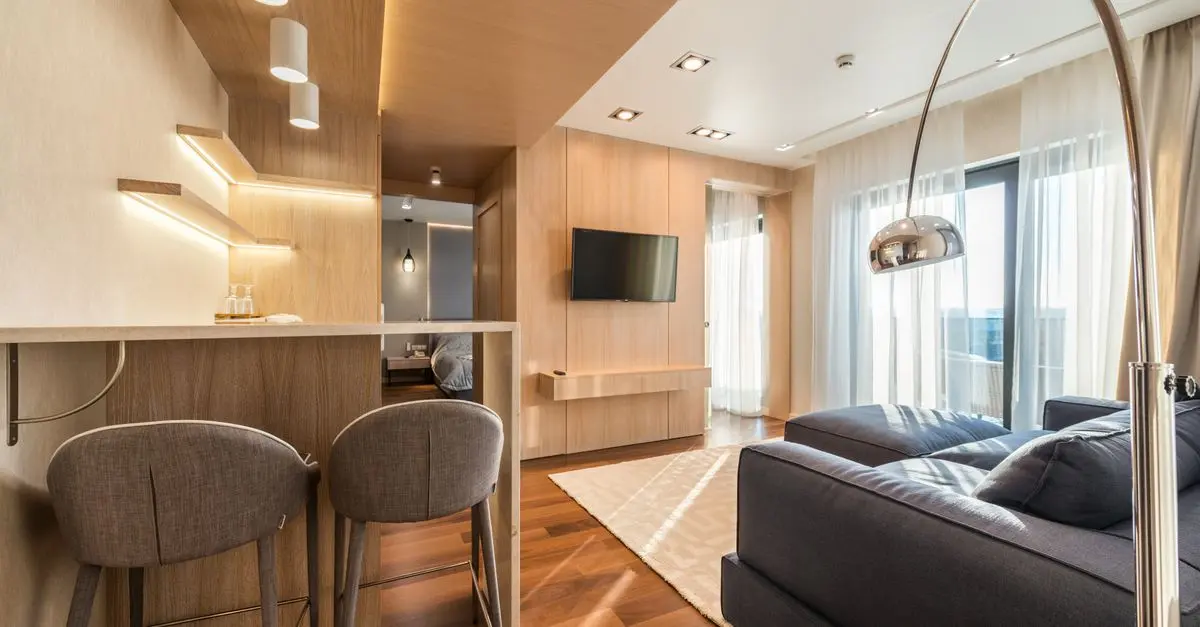
By complementing ambient lighting with task and accent options, you can create a well-rounded lighting design. For instance, pairing a stylish floor lamp with a bright desk lamp can seamlessly mix functionality with aesthetics.

Ruma Grey Self Lined Linen Drum Lamp Shade for Table Lamps & Floor Lamps Grey
debenhams.com

Ruma Grey Self Lined Linen Drum Lamp Shade for Table Lamps & Floor Lamps - Grey - Size: One Size
wallis.co.uk

TP-Link EAP650-DESKTOP wireless access point 2976 Mbit/s White Power over Ethernet (PoE)
Back to the Office
3. Brightness and Colour Temperature
The Importance of Lumens and Kelvins
Understanding brightness and colour temperature is vital when selecting lighting for your home office. Brightness is measured in lumens, while colour temperature is measured in kelvins (K). A workspace usually functions best with a combination of various brightness levels and colour temperatures.
- Low Brightness (100-400 lumens) is suitable for ambient lighting, whereas high brightness (500+ lumens) is preferable for task lighting engagements. Studies show that using between 300 to 500 lumens per square metre can significantly improve task performance and reduce error rates.
- Colour Temperature influences the mood and energy levels in your workspace. Warmer light (3000K-4000K) can create a comfortable and inviting atmosphere, while cooler light (4000K-5000K) resembles daylight and can stimulate alertness. Adjusting your lighting based on the hours of your work schedule and the tasks you've planned will help you stay focused and comfortable throughout the day.
4. Implementing Dimmers and Smart Technology
Enhancing Control Over Your Lighting
Incorporating dimmers and smart technology in your home office can enhance both functionality and flexibility. Dimmers allow you to adjust brightness based on your needs, enhancing comfort and helping to reduce eye strain during long hours of work.
Smart technologies enable you to control your office lighting remotely via smartphone apps or voice commands. For instance, creating specific lighting scenes for different activities, such as video conferencing or brainstorming sessions, can elevate your workspace's overall efficiency. According to consumer reports, 70% of users found that smart lighting contributes to increased productivity and creativity when tailored to their tasks.
5. Safety and Energy Efficiency
Choosing Sustainable and Safe Options
Safety should always be a priority in your home office. Ensure that electrical wiring is up to date and all fixtures conform to safety standards. Selecting LED lighting not only reduces the risk of overheating but also significantly lowers energy consumption, benefiting both your utility bills and the environment. �
Further driving energy efficiency, consider options like motion sensors and smart timers to automatically switch lights off when you leave the room. These steps will not only ensure your workspace is safe but also contribute to sustainable living practices.
Checklist before Purchase
- [ ] Assess your workspace layout and natural light sources.
- [ ] Determine the types of lighting you need (ambient, task, accent).
- [ ] Calculate the necessary brightness in lumens for your tasks.
- [ ] Choose suitable colour temperatures under varying conditions.
- [ ] Consider dimensional adjustments (dimmers and smart technology).
- [ ] Ensure safety compliance and energy efficiency.

Samsung Galaxy Book6 (16", Core Ultra 7, 16GB), a Copilot+ PC
Back to the Office

Samsung Galaxy Book6 (16", Core Ultra 5, 16GB), a Copilot+ PC
Back to the Office

Samsung Galaxy S25 SM-S931B/DS 15.8 cm (6.2") Dual SIM Android 15 5G USB Type-C 12 GB 512 GB 4000 mAh Black, Blue
Back to the Office
Conclusion
Selecting the right lighting for your home office is a crucial aspect of creating an effective workspace. By assessing your needs, exploring various lighting options, and implementing smart technology, you can enhance your productivity and comfort significantly.
📺 For further insights: [Understanding Home Office Lighting Dynamics], a detailed exploration of the influence of lighting on productivity. Search on YouTube: how to choose lighting for home office 2026
Glossary
| Terme | Définition |
|---|---|
| Lumen | Unité de mesure de la luminosité d'une source de lumière. |
| Kelvin | Mesure de la température de couleur qui détermine la chaleur ou la froideur d’une lumière. |
| Dimmable | Fonctionnalité permettant d'ajuster l'intensité lumineuse d'une source de lumière. |
> 🧠 Quiz rapide : Quel type de lumière est recommandé pour les tâches nécessitant une attention particulière ?
> - A) Ambiante
> - B) Tâche
> - C) Accent
> Réponse : B — Les lumières de tâche offrent une focalisation idéale pour les travaux minutieux.
📺 Pour aller plus loin : how to choose lighting for home office 2026 sur YouTube
Recommended products
Selected by our experts


TP-Link Archer GE400 BE6500 wireless router 2.5 Gigabit Ethernet Dual-band (2.4 GHz / 5 GHz)
Back to the Office


TP-Link Archer GXE75 wireless router 2.5 Gigabit Ethernet Tri-band (2.4 GHz / 5 GHz / 6 GHz)
Back to the Office