Contents (12 sections)
Creating the perfect home office goes beyond ergonomic furniture and a stylish desk. It requires the right lighting for your home office. Poor lighting can lead to fatigue and decreased productivity, while well-planned lighting can boost your mood and enhance focus. This guide will help you make informed decisions about your home office lighting.
1. Understand the Importance of Lighting
Lighting plays a critical role in any workspace. The right lighting can enhance your productivity and comfort levels, while the wrong type can lead to eye strain and fatigue. Firstly, the human brain responds to light, which affects our circadian rhythms and sleep quality. Moreover, a study by the American Psychological Association indicated that proper lighting can improve mood and performance by up to 20%. This makes it crucial to consider the natural and artificial lighting available in your home office. Remember that there are different types of lighting to consider: ambient, task, and accent lighting all serve unique functions.
2. Assess Natural Light Sources
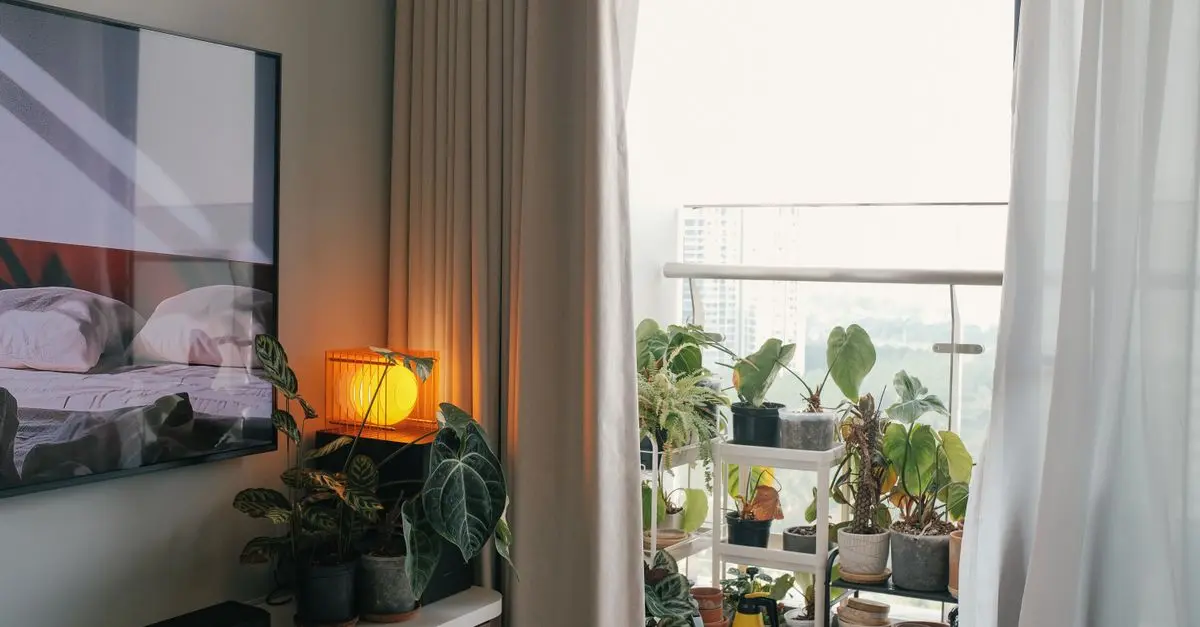
The first step in choosing lighting for your home office is to evaluate the amount of natural light your workspace receives. Position your desk near windows to take advantage of this valuable resource. Natural light not only brightens your space but also can help regulate your body clock and improve your mood. Pro Tip: Use light-coloured curtains or blinds to maximally diffuse the natural light without causing glare on your screens. Avoid placing your screen directly in front of a window to prevent reflections that could distract you.
3. Choose the Right Type of Artificial Lighting
When natural light is insufficient, you’ll need to rely on artificial lighting. Below are the common types:
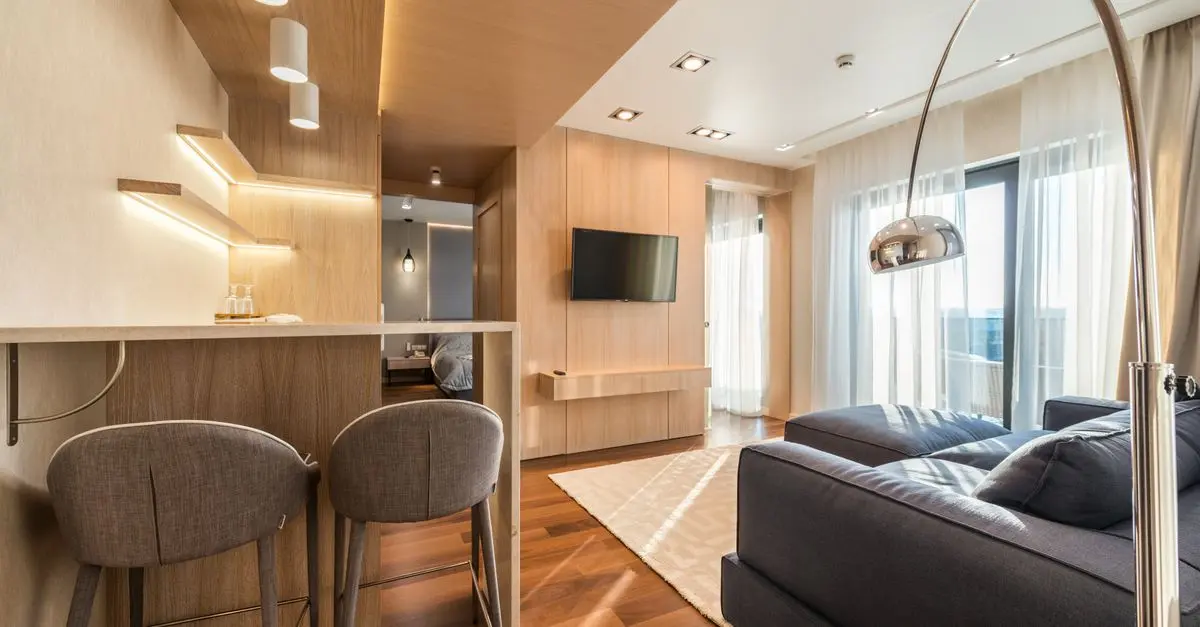
- Ambient Lighting: This is your primary source of light, typically provided by ceiling-mounted fixtures. It should illuminate the entire room, creating a warm and comfortable glow.
- Task Lighting: This is essential for focused work, such as reading or writing. Desk lamps with adjustable brightness are ideal for this purpose.
- Accent Lighting: While not necessary, accent lighting can enhance the aesthetics and functionality of your office by highlighting artwork or architectural features. Mix and match these types to find the perfect balance for your workspace, ensuring that all corners are well-lit without causing harsh shadows.
4. Consider Light Bulb Types and Colour Temperature
When it comes to light bulbs, you’ll encounter several options—incandescent, fluorescent, and LED. LEDs are increasingly popular due to their energy efficiency and longevity. The colour temperature of your bulbs also significantly impacts your mood and productivity.
- Warm light (2700K-3000K) creates a comfortable and cozy atmosphere, suitable for relaxation.
- Neutral light (3500K-4100K) is great for task lighting as it mimics natural daylight.
- Cool light (5000K-6500K) can improve cognitive performance, increasing alertness and focus. Select a combination of different colour temperatures that best suits your tasks and personal preference.
5. Create a Flexible Lighting Plan
Planning is essential. A flexible lighting layout allows you to adjust brightness and placement as the time of day and tasks change. Consider investing in lighting controls such as dimmers, timers, or smart systems that can be adjusted to your specific needs. According to UFC-Que Choisir, having control over lighting not only enhances efficiency but also contributes to energy savings—an important factor when working from home.
6. Maintain Balance and Avoid Glare
Properly balancing your lighting helps reduce eye strain and improves comfort. Position your light sources to avoid harsh glares on your computer screen. If necessary, use anti-glare screens or coatings. Moreover, be mindful of shadows; where there’s a shadow, consider adding additional task lighting. Frequently adjust light levels, particularly if you’re working late into the evening or in lower light conditions to ensure an optimal setup.
Checklist Before You Purchase Your Lighting
- [ ] Evaluate your natural light sources.
- [ ] Determine your lighting needs (ambient, task, accent).
- [ ] Choose the right light bulb type and colour temperature.
- [ ] Plan for flexible lighting options.
- [ ] Ensure balance and glare control.
📺 For further exploration:
Find helpful tips on choosing the right lighting for your workspace. Search for: 'home office lighting guide' on YouTube.
Glossary
| Terme | Définition |
|---|---|
| Éclairage Ambiant | Source principale de lumière qui illumine l'ensemble de la pièce. |
| Lumens | Unité de mesure de la quantité totale de lumière visible émise par une source. |
| Température de Couleur | Mesure qui détermine la couleur de la lumière, exprimée en Kelvins (K). |
Get Inspired with Our Recommended Products
We have selected several products that suit the needs of various workspaces and personal styles. Explore our recommendations below to find ideal lighting solutions for your home office.
Recommended Products
- - - - Maintaining optimal lighting in your home office is crucial for your overall productivity and well-being. By following this guide, you can create a well-lit, efficient workspace that interacts positively with your daily routine.
📺 Pour aller plus loin : home office lighting guide sur YouTube
Recommended products
Selected by our experts

TP-Link Archer GE400 BE6500 wireless router 2.5 Gigabit Ethernet Dual-band (2.4 GHz / 5 GHz)
Back to the Office


TP-Link Archer GXE75 wireless router 2.5 Gigabit Ethernet Tri-band (2.4 GHz / 5 GHz / 6 GHz)
Back to the Office

TP-Link EAP650-DESKTOP wireless access point 2976 Mbit/s White Power over Ethernet (PoE)
Back to the Office